5 UX & UI Design Tweaks That Instantly Improve Your Website

Your website is more than just a digital presence—it’s a powerful tool to engage visitors, communicate your brand, and drive conversions. But even the most visually stunning site can underperform if users struggle to navigate, read content, or take action.
That’s where UI UX design comes in. Thoughtful design doesn’t just make your website look good—it guides visitors effortlessly, highlights key information, and encourages them to take the actions that matter most. For ecommerce websites, this means helping customers find products faster, understand offerings clearly, and complete purchases seamlessly.
In this blog, we break down five UX and UI design tweaks that can instantly improve your website, making it easier to navigate, more engaging, and more effective at converting visitors into customers. Along the way, we’ll show how Emerge Digital applies these principles to create high-performing, results-driven websites that combine visual appeal with practical functionality.
Table of Contents
- Why UX & UI Design Matters for Your Website
- Alignment: Creating Visual Order in Your Design
- Spacing: Giving Your Content Room to Breathe
- Color Consistency: Strengthening Your Brand Identity
- Typography Hierarchy: Guiding Your Visitors Effectively
- CTA Clarity: Turning Visitors Into Action
- Turning UX & UI Design Into Results With Emerge Digital

Why UX & UI Design Matters
When it comes to websites, UI UX design isn’t just about aesthetics—it’s about guiding users effortlessly. A thoughtfully designed interface ensures your visitors understand your message, navigate your site easily, and engage meaningfully with your content.
Every detail counts: from alignment and spacing to color choices, typography, and call-to-action buttons. Even small improvements in your ecommerce UI UX design can make a significant impact on readability, engagement, and conversions.
At Emerge Digital, we specialize in UI UX design that balances visual appeal with user-friendly functionality. For ecommerce businesses, our approach to ecommerce UI UX design helps customers find products faster, understand offerings clearly, and complete purchases seamlessly—all while delivering a professional and memorable online experience.

1. Alignment: Creating Visual Order
Alignment is the backbone of clean, professional design. Misaligned text, images, or buttons can make a website feel cluttered and chaotic, leaving users confused and frustrated. In UI UX design, proper alignment is essential to ensure that users can navigate your website intuitively and absorb information quickly.
Key Principles:
- Use grids to organize content consistently and maintain structure across your pages.
- Align text, images, and buttons along clear vertical or horizontal lines to create a harmonious visual flow.
- Maintain uniform margins and spacing between sections to avoid clutter and improve readability.
Why it works:
Proper alignment guides the user’s eye naturally, creating a sense of order and professionalism. In ecommerce UI UX design, alignment is especially critical—well-structured product pages, categories, and checkout flows help shoppers find what they need faster, boosting engagement and conversion rates.
When alignment is done right, it enhances your website UX design by reducing cognitive load, helping visitors focus on key messages, and creating a seamless browsing experience. Whether it’s a landing page, blog, or ecommerce storefront, thoughtful alignment ensures your website feels polished, trustworthy, and easy to navigate.
2. Spacing: Giving Your Content Room to Breathe
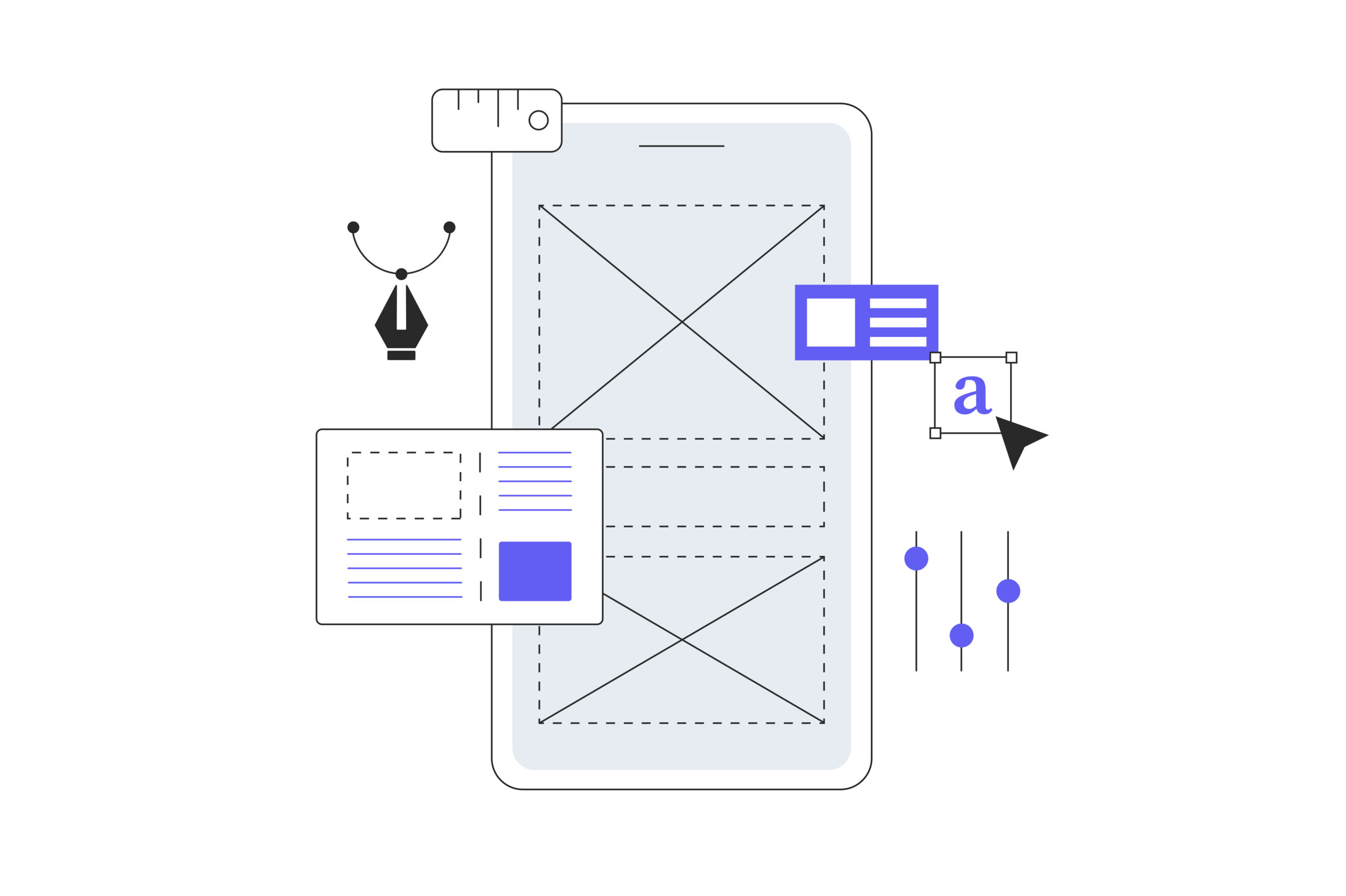
White space isn’t empty—it’s clarity. In UI UX design, strategic spacing ensures your website doesn’t feel cramped, while helping important elements stand out. Crowded layouts can overwhelm users, making it harder for them to process information and take desired actions. This is especially important in ecommerce UI UX design, where product pages, categories, and checkout flows need to feel organized and easy to navigate.
Key Practices:
- Add padding around text, images, and buttons to give each element its own visual space.
- Keep consistent margins between sections to maintain a clean and balanced layout.
- Use spacing to emphasize headings, key points, or calls-to-action, making content easier to scan.
Why it works:
Balanced spacing improves comprehension and creates a sense of visual calm. In website UX design, it allows users to navigate seamlessly, absorb content comfortably, and engage with your site for longer. Whether it’s a blog, landing page, or ecommerce storefront, thoughtful spacing enhances readability, highlights important messages, and contributes to a professional, modern-looking website.
3. Color Consistency: Strengthening Your Brand Identity
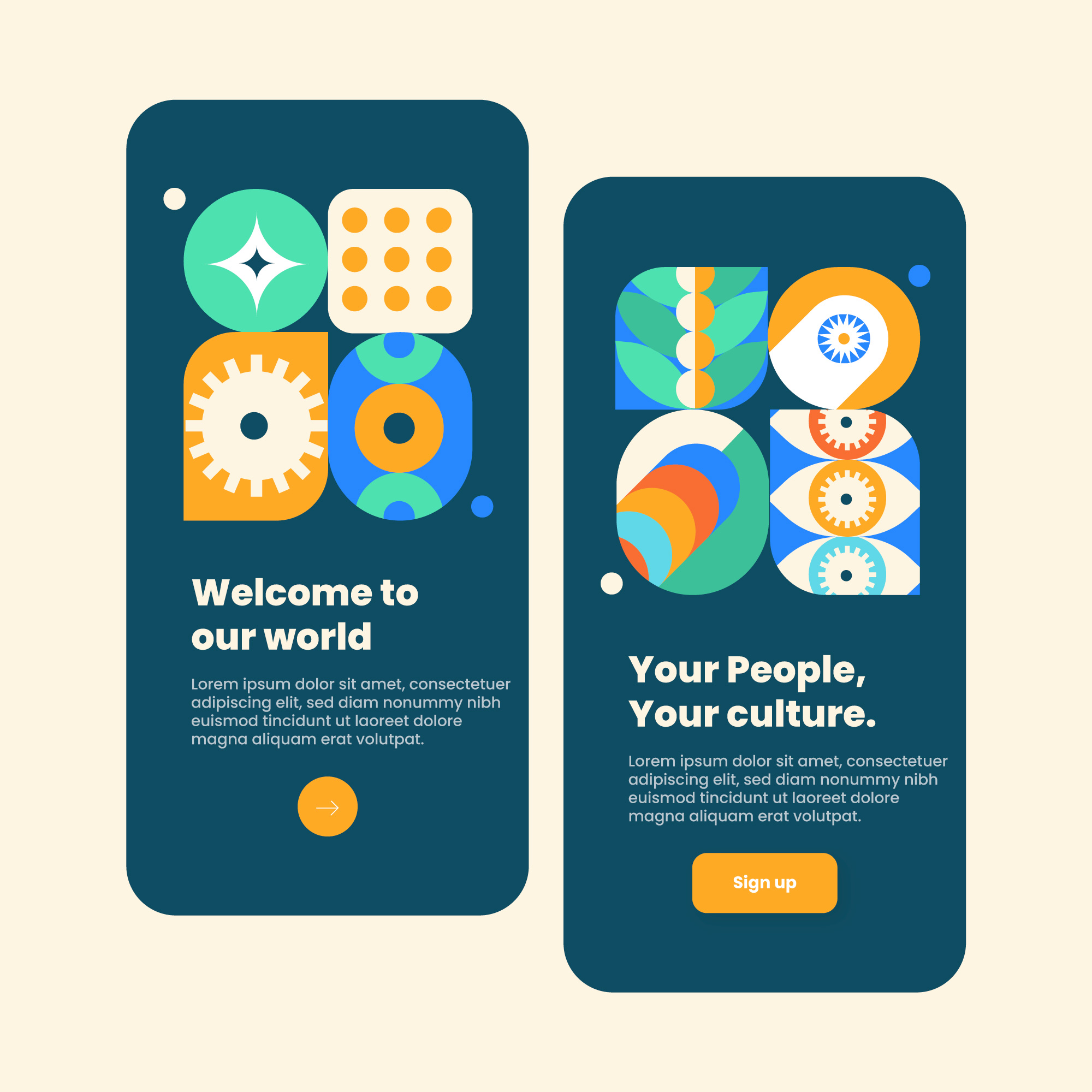
Color isn’t just decorative—it’s a powerful tool in UI UX design that communicates your brand identity, evokes emotion, and guides user attention. Using too many random or clashing colors can confuse visitors, dilute your brand message, and make your website feel unprofessional. This is particularly important for ecommerce UI UX design, where product visuals, CTAs, and promotional banners need to stand out clearly.
Key Practices:
- Stick to a primary color palette of 3–5 colors to maintain consistency across your website.
- Use contrast for buttons, links, and interactive elements to make actions clear and intuitive.
- Ensure colors remain consistent across all pages, from landing pages to product listings and checkout flows.
- Test color combinations for accessibility to ensure your site is inclusive for all users.
Why it works:
A consistent color palette reinforces brand recognition, builds trust, and creates visual cohesion throughout your website. In website UX design, color consistency helps users identify key actions, focus on important content, and feel confident navigating your site. Whether it’s highlighting product categories, emphasizing CTAs, or guiding users through a checkout process, thoughtful color choices enhance both usability and brand perception.

4. Typography Hierarchy: Guiding Your Readers
Typography is more than just choosing fonts—it’s a crucial element in UI UX design that helps users understand the structure and importance of your content. Random fonts, inconsistent sizes, or uniform text weight can make it difficult for visitors to know where to focus, leading to confusion or disengagement. In ecommerce UI UX design, clear typography ensures that product names, descriptions, prices, and CTAs are immediately readable, helping shoppers make decisions faster.
Key Practices:
- Use larger, bolder fonts for headings and subheadings to guide users through content naturally.
- Differentiate body text with size, weight, or style to create clear visual separation.
- Limit font families to 2–3 consistent styles for a cohesive look across your website.
- Adjust line height and spacing to improve readability and reduce visual clutter.
- Consider responsive typography so that text remains legible on all devices, from desktop to mobile.
Why it works:
A well-structured typography hierarchy allows users to scan your content effortlessly and absorb key information quickly. In website UX design, it provides clear visual cues that indicate what’s most important, guiding users to take the desired actions without hesitation. Proper typography enhances readability, creates a professional look, and improves the overall user experience—whether on blogs, landing pages, or ecommerce stores.
5. CTA Clarity: Turning Visitors Into Action
Calls-to-action (CTAs) are where design meets conversion-focused UI UX design. Even a beautifully designed website can fail to convert if CTAs are unclear, cluttered, or difficult to find. In ecommerce UI UX design, CTAs like “Add to Cart,” “Buy Now,” or “Sign Up” are critical touchpoints that guide visitors through the purchase journey. Poorly designed CTAs can confuse users, increase bounce rates, and reduce sales.
Key Practices:
- Use concise, action-oriented text that tells users exactly what to do.
- Make buttons prominent through color contrast, size, and placement to draw attention.
- Limit multiple CTAs in a single section to avoid overwhelming visitors or causing decision fatigue.
- Position CTAs strategically near key messages, benefits, or product highlights to maximize engagement.
- Ensure CTAs are mobile-friendly, as many users interact via smartphones and tablets.
Why it works:
Clear and well-designed CTAs guide users to take the next step—whether it’s signing up, making a purchase, or contacting your team. In website UX design, visually distinct CTAs reduce friction, improve user flow, and create a seamless journey from browsing to action. When paired with thoughtful alignment, spacing, color consistency, and typography, effective CTAs can significantly increase engagement and conversions across your site.

6. Turning UX & UI Design Into Results With Emerge Digital
Design is only as valuable as the results it drives. At Emerge Digital, we take the UX/UI principles discussed—alignment, spacing, color consistency, typography hierarchy, and CTA clarity—and apply them strategically to deliver measurable outcomes for your business.
For ecommerce websites, this means creating layouts that guide users from browsing to checkout effortlessly. For service-based or informational sites, it means optimizing pages so visitors clearly understand your offerings and know exactly how to engage.
What we focus on:
- Conversion-focused design: Every element is positioned to encourage action.
- Seamless navigation: Users can find products, services, or information without friction.
- Brand cohesion: Consistent colors, typography, and visual hierarchy reinforce credibility.
- User engagement: Thoughtful spacing, alignment, and interactive cues keep visitors on your site longer.
By combining UI UX design expertise with a results-oriented approach, Emerge Digital ensures your website isn’t just attractive—it’s a high-performing tool for growth and conversions.
Your website should work as hard as you do. Let Emerge Digital turn your design into tangible results.

Conclusion: Transform Your Website With Thoughtful Design
Great design is more than aesthetics—it’s about crafting a smooth, intuitive experience that connects with your audience. Implementing strong UX/UI practices—alignment, spacing, consistent color, typography hierarchy, and clear CTAs—helps your website feel professional, trustworthy, and easy to navigate.
By paying attention to these design fundamentals, your website can:
- Enhance readability and comprehension
- Build trust and credibility with visitors
- Increase engagement and interaction naturally
- Support your overall business goals, from lead generation to sales
At the end of the day, thoughtful design is about making every visitor interaction count. Whether you’re refreshing an existing website or creating a new one, prioritizing UX/UI design ensures your site delivers not just looks, but results that matter for your business.
Take the first step toward a smarter, more effective website. Focus on UX/UI, and watch your digital experience—and conversions—improve.

Explore more
Ecommerce Solutions for Perfume & Fragrance Brands: Why Agencies Deliver Luxury Experiences
Ecommerce Development for Skincare & Beauty Brands: How Agencies Create Scalable Solutions
E-commerce Development for Jewellery Brands: Building Trust for High-Value Purchases

About the Author
Priya, Co-Founder of Emerge Digital, is a UI/UX enthusiast with 15 years of experience. She’s passionate about crafting user-centered designs that exceed expectations, delivering meaningful and engaging digital experiences. At Emerge Digital, Priya blends her deep expertise with a commitment to client and user needs, driving innovative design solutions.