From Wireframe to Prototype: The Step-by-Step UI/UX Workflow
Every great UI/UX design project begins long before colors, typography, or animations come into play. It starts with understanding users, mapping journeys, and shaping ideas through wireframes and prototypes.
Whether you’re designing a website, an ecommerce platform, or a digital product, a well-structured UI/UX workflow bridges creativity and functionality — ensuring the final design not only looks good but also feels effortless to use.
This guide breaks down the process — from the first wireframe sketch to the final interactive prototype — and explains how each stage contributes to building engaging, user-centered digital experiences.
Table of Contents
- What Are Wireframes and Prototypes?
- Why the UI/UX Workflow Matters
- The Step-by-Step UI/UX Design Workflow
- Tools for Wireframing and Prototyping
- Best Practices for a Smooth Design Process
- Common Mistakes to Avoid
- The Future of UI/UX Workflows
- Final Thoughts

What Are Wireframes and Prototypes?
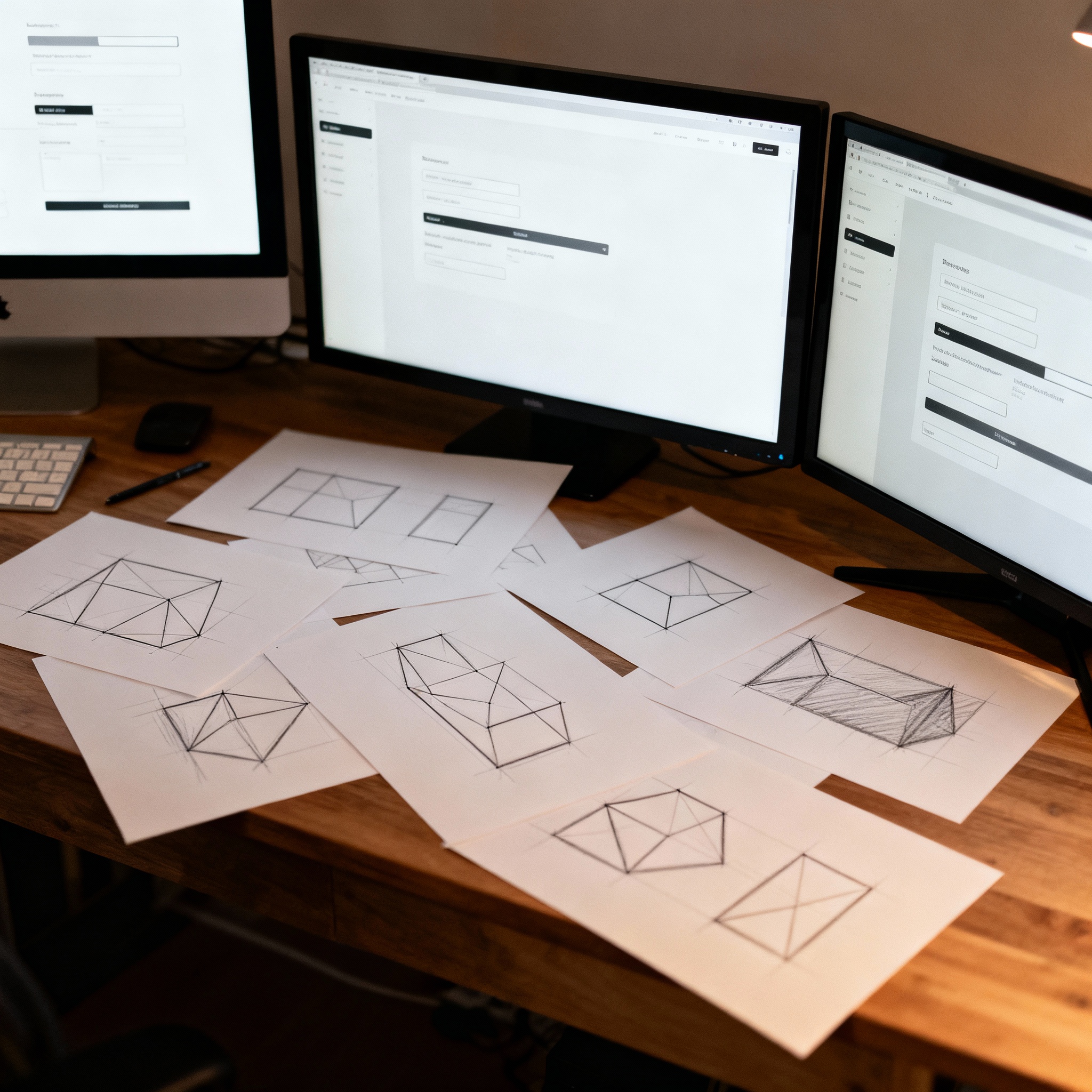
In UI/UX design, wireframes are the starting point — the backbone of any digital project. Think of them as the blueprints of your website or app, outlining the structure, layout, and flow before colors or visuals come into play. Their goal is simple: to show what goes where and how users will move through the experience.
Prototypes take things a step further. They turn those static wireframes into interactive versions, helping teams and stakeholders actually feel how the final product will work. It’s where ideas start to come alive — where buttons click, pages transition, and user journeys take shape.
Whether you’re working on UI UX for Websites, Applications, or Digital Products, both wireframes and prototypes make sure every click, scroll, and interaction has purpose and clarity.
In short:
- Wireframes build the structure.
- Prototypes bring it to life.
Why the UI/UX Workflow Matters
A clear and well-defined UI/UX design workflow is the foundation of every successful digital product. It brings structure, consistency, and collaboration to the design process while minimizing the chances of last-minute usability issues or technical roadblocks.
Whether you’re working on UI UX for Websites, UI UX for Applications, or UI UX for Digital Products, having a structured process ensures that every stage — from research to wireframing and prototyping — moves forward with clarity and purpose.
Here’s why a strong workflow matters:
- Clarity and Alignment: Keeps designers, developers, and clients on the same page, ensuring that the final outcome aligns with both user needs and business goals.
- Early Problem-Solving: Helps identify usability challenges and user pain points before the development phase, saving valuable time and resources.
- Cost Efficiency: A streamlined workflow minimizes rework, optimizes timelines, and reduces overall project costs.
- Data-Driven Design: Encourages informed design decisions backed by user research, analytics, and usability testing, leading to a more effective final product.
In short, a solid UI/UX workflow turns design from guesswork into a strategic, research-backed process that leads to better digital experiences..

The Step-by-Step UI/UX Design Workflow
A successful UI/UX process is where creativity meets clarity.
It’s not just about crafting beautiful interfaces — it’s about solving real user problems through design that feels intuitive, effortless, and human.
Here’s a stage-by-stage breakdown of how an idea evolves into a well-designed, user-centered product — from the first research notes to the final design handoff.
Step 1: Research & Discovery
Before jumping into design, it’s important to understand who you’re designing for and why. This stage lays the foundation for every decision that follows.
Start by getting to know your users — their habits, frustrations, goals, and what they expect from your product. The more you understand them, the more meaningful your design becomes.
What this involves:
- Conducting user interviews, surveys, and competitor analysis to identify patterns.
- Analyzing current pain points and opportunities for improvement.
- Defining clear user personas and user journey maps to guide every design choice.
Why it matters:
When your design decisions are rooted in real data and empathy, you don’t just create something pretty — you create something purposeful.
Goal: Build a strong understanding of user behavior and align every design choice with business and user goals.

Step 2: Information Architecture (IA)
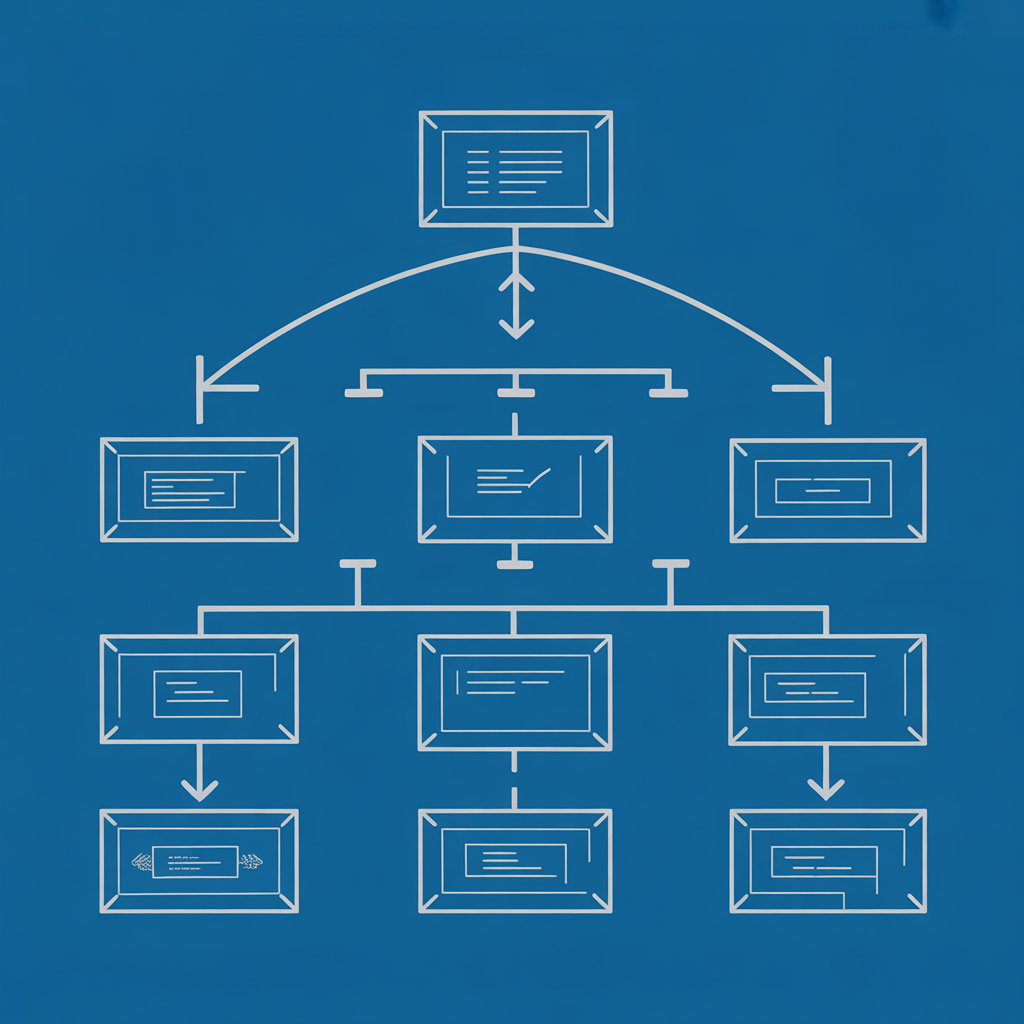
Now that you understand your users, the next step is to organize content in a way that makes sense to them. Think of IA as the blueprint of usability — it determines how easily users can find what they’re looking for.
What this involves:
- Creating sitemaps, user flows, and content hierarchies that reflect user goals.
- Structuring information so navigation feels logical and predictable.
- Collaborating with writers or content strategists to ensure clarity and consistency.
Why it matters:
Good IA eliminates confusion. It helps users move through your site or app without thinking twice, keeping the experience smooth and frustration-free.
Goal: Create a logical, intuitive navigation structure that helps users complete their goals effortlessly.
Step 3: Wireframing
Here’s where your ideas start taking shape — but in their simplest form. Wireframes are low-fidelity layouts that focus on structure and flow rather than visuals.
What this involves:
- Sketching or digitally mapping page layouts and interface elements.
- Experimenting with spacing, alignment, and content placement to optimize usability.
- Reviewing with stakeholders early to make sure the layout supports goals.
Why it matters:
Wireframes help everyone align on the big picture before you dive into detailed visuals. They save time, reduce confusion, and ensure you’re solving the right problems early.
Goal: Define the skeleton of your design, validate usability, and set the direction for the final interface.

Step 4: Prototyping
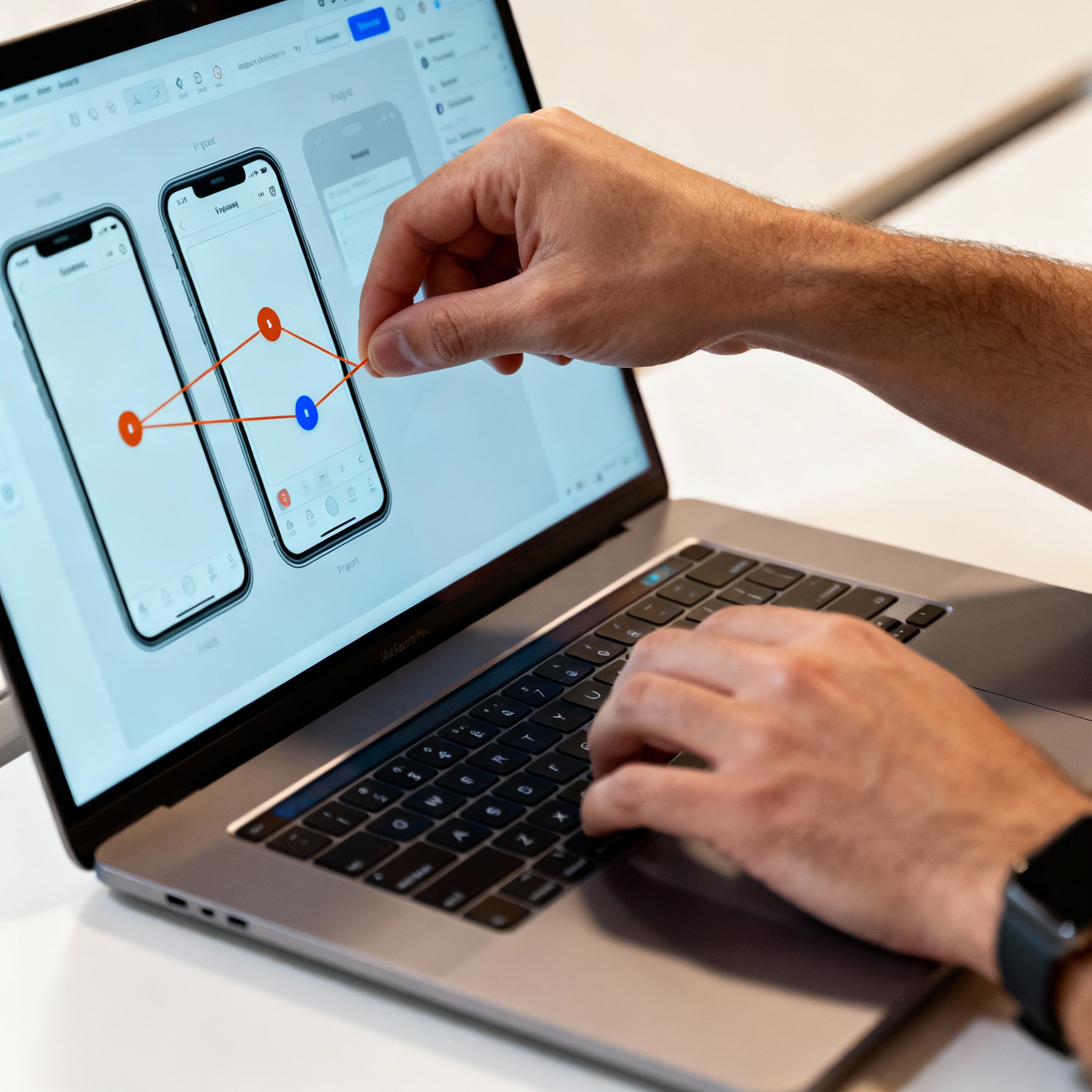
This is where the static layouts come to life. Prototypes transform wireframes into interactive, clickable experiences that simulate real-world usage.
What this involves:
- Using tools like Figma, Adobe XD, or InVision to build interactive mockups.
- Adding animations, transitions, and micro-interactions to mimic actual behavior.
- Sharing prototypes with clients, developers, and users to gather real feedback.
Why it matters:
Prototyping allows everyone — from designers to clients — to experience the product before a single line of code is written. It bridges imagination and functionality.
Goal: Visualize the full experience, identify usability gaps, and refine interactions before development.
Step 5: Usability Testing
Testing is where you find out how users actually experience your design. Even the most beautiful design can fail if users can’t navigate it comfortably.
What this involves:
- Conducting one-on-one usability sessions with real users.
- Observing how they interact with the prototype and where they struggle.
- Making design refinements based on direct feedback and behavior insights.
Why it matters:
Usability testing turns assumptions into evidence. It helps you make data-driven improvements and ensures that your design works for everyone — not just in theory, but in practice.
Goal: Refine your design to make it intuitive, accessible, and delightful to use across devices and scenarios.
Step 6: Design Handoff
Finally, it’s time to bring your vision to life. The design handoff stage ensures your carefully crafted design transitions smoothly into development — without losing its intent or quality.
What this involves:
- Preparing detailed style guides, assets, and developer-friendly documentation.
- Defining colors, typography, spacing, and interaction rules clearly.
- Collaborating closely with developers to maintain design accuracy and performance.
Why it matters:
A seamless handoff avoids confusion, rework, and inconsistencies between design and development. It ensures what you designed is exactly what gets built.
Goal: Deliver pixel-perfect designs that maintain usability, performance, and brand consistency during implementation.
Pro Tip:
Each step builds upon the last — like layers in a strong foundation. Skip one, and you risk cracks in the final experience.
The secret to great UI/UX design lies in iteration, feedback, and empathy.
When you combine structured thinking with human-centered creativity, the result is more than just a product — it’s an experience users genuinely love.

Tools for Wireframing and Prototyping
Choosing the right tools can make your UI/UX design workflow more efficient and collaborative. From low-fidelity sketches to high-fidelity interactive prototypes, these platforms help teams visualize, test, and refine ideas quickly.
Wireframing Tools
- Balsamiq – Ideal for quick, low-fidelity wireframes. Its sketch-style interface encourages focusing on structure and functionality rather than visuals.
- Figma – A versatile cloud-based tool that supports both wireframing and prototyping. Real-time collaboration makes it perfect for design teams working remotely.
- Sketch – Great for vector-based wireframes and digital layouts, especially for macOS users. It integrates well with design systems and plugins.
Prototyping Tools
- InVision – Known for its robust prototyping and collaboration features. Designers can link screens, add transitions, and gather client feedback directly on designs.
- Adobe XD – Enables seamless transitions from wireframes to high-fidelity prototypes. Its auto-animate and voice prototyping features make it ideal for interactive experiences.
- Axure RP – Powerful for advanced prototypes with conditional logic and data-driven interactions. Often used for enterprise-level UX projects.
Pro Tip: For most modern workflows, Figma has become the go-to tool for both wireframing and prototyping, thanks to its speed, collaboration, and flexibility.
Best Practices for a Seamless UI/UX Design Process
A smooth and efficient UI/UX workflow depends on strategy, communication, and consistency. Following these best practices ensures better collaboration, fewer revisions, and stronger outcomes.
- Begin with Low-Fidelity Designs: Start simple. Build wireframes and basic layouts before investing time in visuals. This approach allows for faster iteration and clearer focus on usability.
- Validate Ideas with Real Users: Regular user testing ensures that design decisions are based on real behavior, not assumptions. Early validation helps catch usability issues before development.
- Maintain a Consistent Design System: Use shared component libraries and style guides to create visual harmony and reduce inconsistencies across pages or screens.
- Collaborate Closely with Developers: Involve developers early in the process to ensure that design concepts align with technical feasibility and performance requirements.
- Document Every Design Decision: Keep track of reasoning, feedback, and changes. Proper documentation supports transparency, scalability, and smoother handoffs between teams.
Common UI/UX Design Mistakes to Avoid
Even the most skilled UI/UX designers can slip into common pitfalls that affect usability, accessibility, and the overall design flow. Recognizing and avoiding these mistakes is key to creating seamless, user-friendly digital experiences.
-
Jumping Into Visuals Too Early
A common mistake in the UI/UX design process is diving straight into visuals — choosing colors, fonts, or animations — before defining the structure. Without a clear information hierarchy or wireframe, designs often feel disjointed and confusing.
Always start with user research, wireframes, and user flows to establish clarity and direction before focusing on the aesthetic layer. Remember — beautiful design means nothing if users can’t navigate it easily.
-
Skipping Usability Testing
Skipping usability testing is one of the costliest UI/UX mistakes. Even with tight deadlines, user feedback is non-negotiable. It’s the only way to uncover how real users actually interact with your design — what works, what doesn’t, and what frustrates them.
Conduct usability tests, A/B testing, and prototype reviews to refine the experience. Testing early helps save time, reduce rework, and ensure that your UI/UX design meets user expectations.
-
Neglecting Responsiveness and Accessibility
A truly great design isn’t just visually appealing — it’s inclusive and adaptable. Ignoring responsive design and accessibility standards can alienate users on certain devices or those with disabilities.
Ensure your UI scales beautifully across screen sizes and adheres to accessibility principles like proper color contrast, readable typography, and clear navigation. Prioritizing responsive and accessible UI design builds trust and inclusivity.
-
Treating Prototypes as Final Designs
Prototypes are meant to test, iterate, and validate — not to finalize. Many designers treat prototypes as the finished product, skipping opportunities for improvement.
Keep an open mindset during the UI/UX prototyping phase. Collect feedback, run usability sessions, and tweak based on insights. Iteration is what transforms a good design into an exceptional one.
Pro Tip:
UI/UX design is never a one-and-done process — it’s a cycle of research, design, testing, and refinement. Avoiding these mistakes ensures your designs are not only beautiful but also functional, accessible, and user-approved.
The Future of UI/UX Workflows
The landscape of UI/UX design is evolving rapidly. With AI-assisted design tools, real-time collaboration platforms like Figma, and integrated usability testing, the way designers work is becoming smarter, faster, and more connected than ever.
For UI UX for Websites, UI UX for Applications, or even complex digital products, the focus is shifting toward efficiency and personalization. Artificial intelligence is now helping teams generate layouts, predict user behavior, and automate repetitive tasks — allowing designers to focus more on creativity and strategy.
Yet, one principle remains constant: great design begins with empathy. The future of UI/UX lies in balancing automation with human understanding — using data-driven insights while keeping the emotional side of user interaction at the heart of every digital experience.
Final Thoughts
From the first wireframe sketch to the final interactive prototype, every stage of the UI/UX workflow plays a vital role in shaping user-centered products. A structured, research-driven approach brings clarity to ideas, strengthens collaboration across teams, and ensures that every design decision has purpose and intent.
Whether it’s UI UX for Websites, mobile apps, or digital platforms, a thoughtful design process transforms functionality into an experience that feels seamless and natural to users.
Because at the end of the day, good design isn’t just about how it looks — it’s about how it feels. The best digital experiences are those that make users forget about the interface and focus on what truly matters — achieving their goals effortlessly.
Explore more
Ecommerce Solutions for Perfume & Fragrance Brands: Why Agencies Deliver Luxury Experiences
Ecommerce Development for Skincare & Beauty Brands: How Agencies Create Scalable Solutions
E-commerce Development for Jewellery Brands: Building Trust for High-Value Purchases

About the Author
Priya, Co-Founder of Emerge Digital, is a UI/UX enthusiast with 15 years of experience. She’s passionate about crafting user-centered designs that exceed expectations, delivering meaningful and engaging digital experiences. At Emerge Digital, Priya blends her deep expertise with a commitment to client and user needs, driving innovative design solutions.